Why CADAGEN Builds Geometry in Your Browser
The CAD kernel runs as WebAssembly in the tab: you wait through honest stages, keep solids on the device during build, and still download STEP from the account job.
- Author:
- Cadagen
- Technical review:
- CADAGEN Engineering Team · Mechanical Engineer
- Last updated:
- September 1, 2026
- Sources:
- 2 primary references, listed below
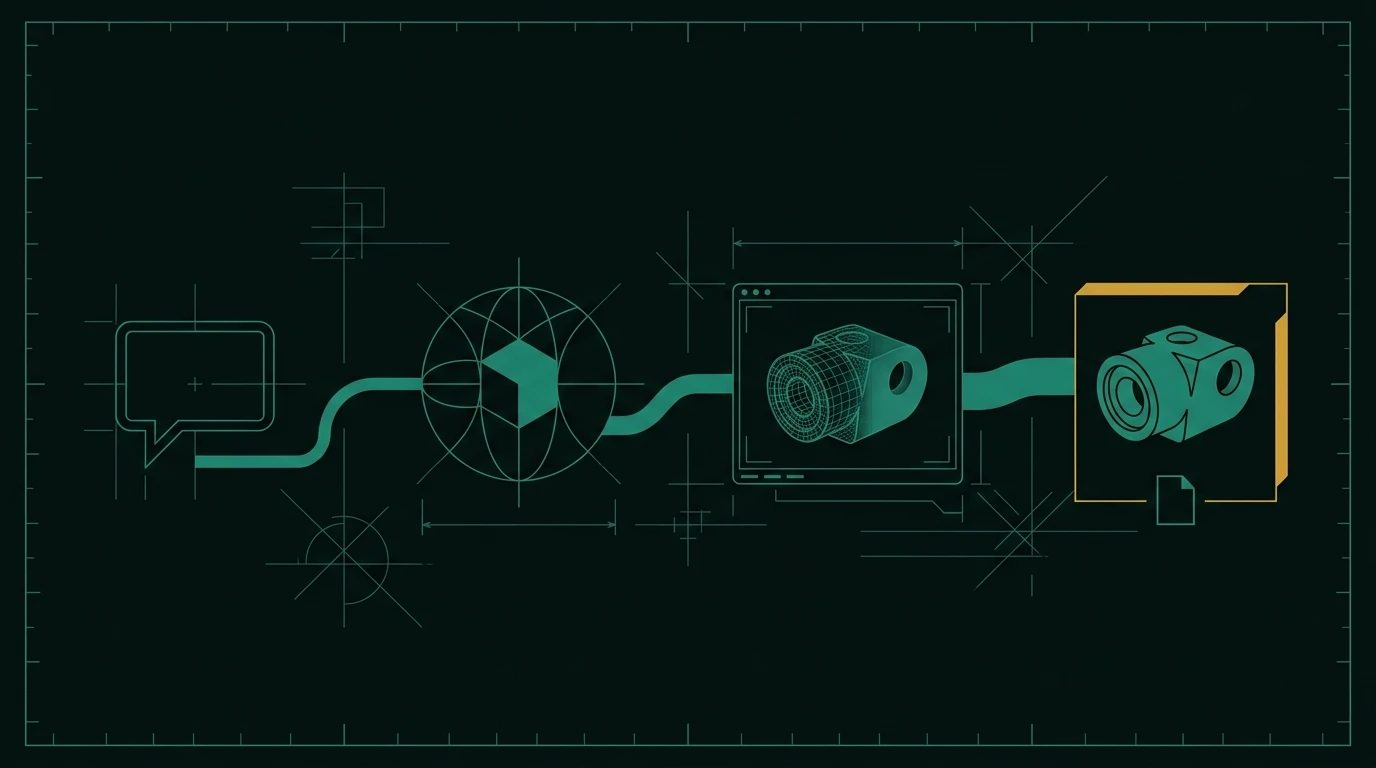
CADAGEN’s CAD kernel runs in the browser as WebAssembly. The language model writes a script; your tab executes it. That split is why you see “engine loading” and “building geometry” as separate waits.
Why this architecture
Shipping a server farm of CAD kernels would put every solid on our disks during build. Building in the tab keeps the heavy geometry step on the device that will display it. The account still stores the job, the script, and the files you chose to keep.
First visit pays a cache cost. After that, the engine should start faster. If the engine is not ready, generation waits instead of hammering the model.
What you will see
Honest stages: queued, writing the script, engine ready, building, validating, preview. A repair is named as a repair — not a mysterious restart. If a preview is still baking after the job is complete, that is a separate “preview building” state, not a failed generate.
What it does
- Runs the solid in your tab after the script exists.
- Caches the engine in the browser so the second part is cheaper to start.
- Surfaces wait reasons without inventing a second product name.
What it does not
- It does not make a laptop as fast as a workstation CAD kernel on a huge assembly.
- It does not mean CADAGEN never stores STEP after you download — the job record is still yours on the account.
- It does not replace your CAD for detailing.
Related: generate STEP from text and parametric sliders.
Frequently asked questions
- Is the model computed on CADAGEN servers?
- Script generation uses language models on the server. Solid build, mesh preview, and STEP/STL export run in the browser kernel.
- Why is the first load slow?
- The engine is downloaded and cached. Later jobs reuse it. A progress log names the stage instead of a fake spinner.
- Can I close the tab mid-build?
- Closing the tab stops the in-browser run. Use cancel in the studio when you can; do not assume a half-built solid was saved.