What Actually Breaks When AI Generates CAD: A Failure-Mode Breakdown
A structured look at where AI-generated CAD goes wrong — geometry, tolerancing, and manufacturability — and how a responsible pipeline should catch each failure before it reaches a machine shop.
- Author:
- Cadagen
- Technical review:
- CADAGEN Engineering Team · Mechanical Engineer
- Last updated:
- August 16, 2026
- Sources:
- 3 primary references, listed below
AI-generated CAD fails in a small number of predictable, well-documented ways — not in some mysterious "the AI is unreliable" sense. Independent testing of multiple text-to-CAD tools in 2026 (Xometry Pro ran seven tools through the same prompt set; several other outlets have run similar comparisons) converges on the same handful of failure categories. Understanding them is more useful than any single accuracy percentage, because it tells you what to check before you trust an output — regardless of which tool produced it.
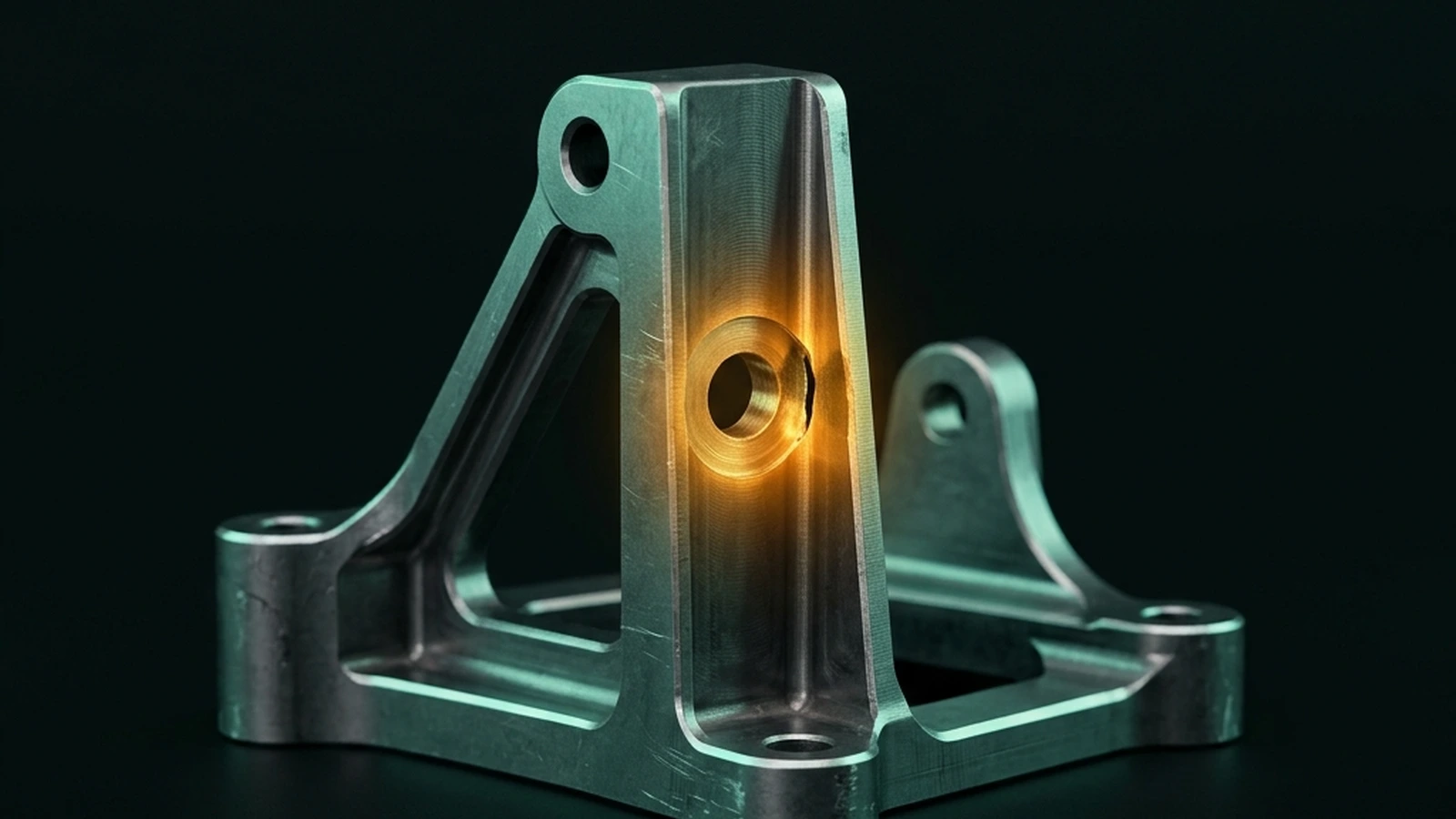
Why a single "accuracy score" is the wrong question
Vendors love to say "95% accurate" or "99% correct." The number is almost meaningless without knowing: accurate at what — visual resemblance, dimensional correctness, or manufacturability? A part can look right in a 3D viewer and still be unmachinable, unprintable, or dimensionally wrong in a way that only shows up once you try to mate it with another part. Manufacturing engineers don't ask "does this look like the part I described," they ask "will this part hold tolerance, resist load, and integrate into the assembly." Those are three different bars, and most public benchmarks only measure the first one.
The four failure categories that actually matter
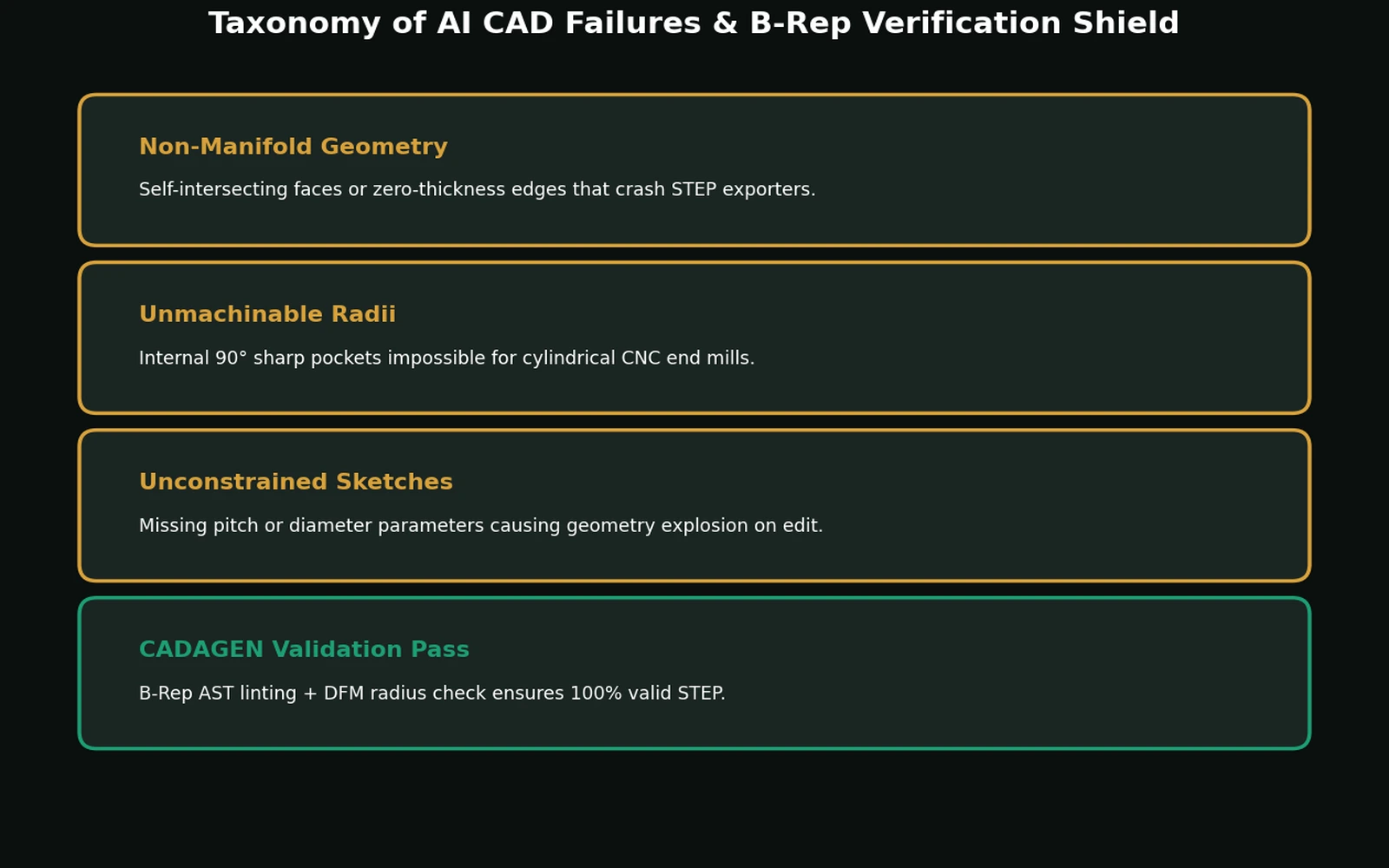
1. Geometry that doesn't resolve to a solid
The most basic failure: the generated script or model produces an open shell, self-intersecting faces, or a non-manifold body instead of a closed solid. This is the easiest failure to catch automatically — a solid-geometry check (does the body have a well-defined, closed volume?) either passes or fails, no human judgment needed. Tools that skip this check let broken files reach the user; tools that gate on it (reject and retry before the user ever sees the output) don't.
What "closed solid" actually means, precisely, comes from boundary-representation theory: a valid B-Rep solid must be a two-manifold — every edge is shared by exactly two faces, every face has a consistent inside/outside orientation, and the boundary encloses a single well-defined volume with no gaps or self-crossings. A generated script that leaves one face open, produces a sliver face with zero area, or creates an edge shared by three faces instead of two violates that definition, and the resulting body either has no computable volume or has a volume that doesn't correspond to any real, manufacturable object. This is exactly why it's checkable automatically: two-manifold-ness is a binary topological property, not a judgment call about whether the shape "looks right."
2. Dimensionally plausible but functionally wrong
This is subtler and harder to catch automatically. A part can be a valid, closed solid and still be wrong: a shaft sized to sit inside a bore with zero running clearance, a wall thickness that looks fine in isolation but violates the material's minimum-wall guideline, a boss placed where it collides with a fastener head. Xometry Pro's 2026 test of seven text-to-CAD tools found this pattern repeatedly — outputs that were geometrically valid but would not assemble or function as specified. Catching this requires either domain-specific validation rules (checking clearances against known fit standards) or a human reviewing the model against the original intent.
3. Ignoring manufacturing constraints entirely
A model can be geometrically perfect and still be unmakeable on the process the user actually has access to: internal corners with zero radius for a milled pocket, draft-free vertical walls for an injection-molded part, wall thickness below what a given 3D printing process can reliably hold, threads modeled as idealized helical geometry instead of a tapped/thread-formed feature a shop can actually cut. This is the category most tools skip completely, because it requires knowing something about the target manufacturing process — not just "a valid shape," but "a valid shape given this process's limits." See our DFM 101 guide for the specific rules that catch most of these before they become scrapped parts.
4. Standard-part substitution errors
When a prompt calls for a "standard" component — a bearing, a bolt, a gear — the safest path is to pull real, cataloged geometry rather than have a model guess a plausible-looking bolt shape. Guessed fasteners are a common failure mode: the thread pitch doesn't match a real standard, the head geometry is close-but-not-quite a real DIN/ISO shape, or a bearing's bore/OD combination doesn't correspond to an actual off-the-shelf part number. See our companion guide on generating fasteners, gears, and bearings correctly for why this category deserves a completely different generation strategy than freeform geometry.
A comparison: freeform geometry vs. catalog-backed generation
| Freeform generation (LLM invents geometry from scratch) | Catalog-backed generation (LLM selects a real cataloged part) | |
|---|---|---|
| Best for | Custom brackets, housings, one-off mechanical features | Bolts, bearings, gears, standard profiles |
| Typical failure mode | Dimensionally close but not exact; may not resolve to a valid, checkable standard | None if catalog lookup is correct — the geometry is exact by construction |
| Verification difficulty | Requires geometric + DFM checks, often human judgment | Verification is a lookup match, much cheaper and more reliable |
| Where the risk lives | The generation step itself | The matching step (did it pick the right part number for the described one) |
This is why a single accuracy number is misleading: a tool can be extremely reliable on catalog parts and much less reliable on freeform custom geometry, and reporting one blended number hides that difference. If you are evaluating a text-to-CAD tool, ask separately: "how do you handle standard parts?" and "how do you handle custom geometry?" — the honest answer is usually that these are different problems with different reliability levels.
What a defensible pipeline actually checks, in order
- Does it resolve to a solid at all? (automatic, binary check)
- Are declared dimensions internally consistent? (e.g., a shaft diameter that's larger than the bore it's supposed to fit in should be flagged, not silently shipped)
- Does it violate obvious manufacturing constraints for the stated or default process (wall thickness, internal radii, draft)?
- For standard components, does the selected part match a real catalog entry rather than an approximation?
- If any check fails or is ambiguous, does the system say so — rather than presenting a confident-looking model that quietly has a problem?
Step 5 is the one most demo-focused tools skip, because "here's your part" is a better demo moment than "this needs a second look." It is also the single biggest predictor of whether a tool is safe to use unsupervised for anything that will actually be machined.
How this shapes what we build
We don't claim a single "accuracy percentage" for the same reason explained above — it would average together different part classes and failure modes into a number that misleads more than it informs. CADAGEN instead presents generated geometry as an editable starting point, runs automated geometry checks where possible, and leaves the critical engineering decision visible: dimensions, tolerances, fits, loads, and process suitability must be verified for the intended application.
The bottom line
Don't evaluate a text-to-CAD tool by asking "how accurate is it." Ask which of the four failure categories above it actually checks for, and whether it tells you when it's uncertain. A tool that is honest about a 3 vs. a tool that silently produces a plausible-looking file are not the same product, even if a demo makes them look identical.
Sources: Xometry Pro — We Tested 7 Text-to-CAD Tools; Fictiv — GD&T 101.
Frequently asked questions
- What is the most common way AI-generated CAD fails?
- The most basic failure is geometry that never resolves to a closed solid at all — an open shell, self-intersecting faces, or a non-manifold body. This is also the easiest failure to catch automatically, because a solid either has a well-defined closed volume or it doesn't; there is no judgment call involved, only a pass/fail geometric check.
- Can a CAD file be geometrically valid and still be wrong?
- Yes, and this is the harder failure to catch. A part can be a valid, closed solid and still be functionally wrong: a shaft sized with zero running clearance inside its bore, a wall that is thinner than the material process allows, or a boss that collides with a fastener head once assembled. None of that shows up in a basic solid-geometry check; it requires either domain-specific validation rules or a human comparing the model against the original intent.
- Why is standard-part generation more reliable than custom geometry?
- Because they are different problems. A bolt, bearing, or gear defined by a real standard is a lookup and matching task — if the tool selects the correct catalog part, the geometry is exact by construction. Custom geometry is open-ended generation with no such fallback, so verification requires actual geometric and manufacturability checks rather than a database match.
References
- We Tested 7 Text-to-CAD Tools - Are They Useful for Engineers — Xometry Pro
- GD&T 101: An Introduction to Geometric Dimensioning — Fictiv
- Boundary representation notes, Computational Geometry course — MIT OpenCourseWare