Text-to-CAD vs Text-to-3D (Mesh): Why It Matters
AI 3D mesh tools look impressive in renders. Mechanical work needs editable B-Rep solids — here's the practical difference, how to tell which one you actually have, and what happens when you pick wrong.
- Author:
- Cadagen
- Technical review:
- CADAGEN Engineering Team · Mechanical Engineer
- Last updated:
- August 16, 2026
- Sources:
- 3 primary references, listed below
Text-to-CAD targets editable mechanical solids (STEP, B-Rep). Text-to-3D usually means a mesh (STL/OBJ/GLB, or a rendered 3D asset) built for visuals, games, or general-purpose 3D printing. Both categories have expanded rapidly since 2024, and they get lumped together constantly — "AI makes 3D models now" — but for anyone doing mechanical design or manufacturing, the difference between them determines whether the output is usable at all.
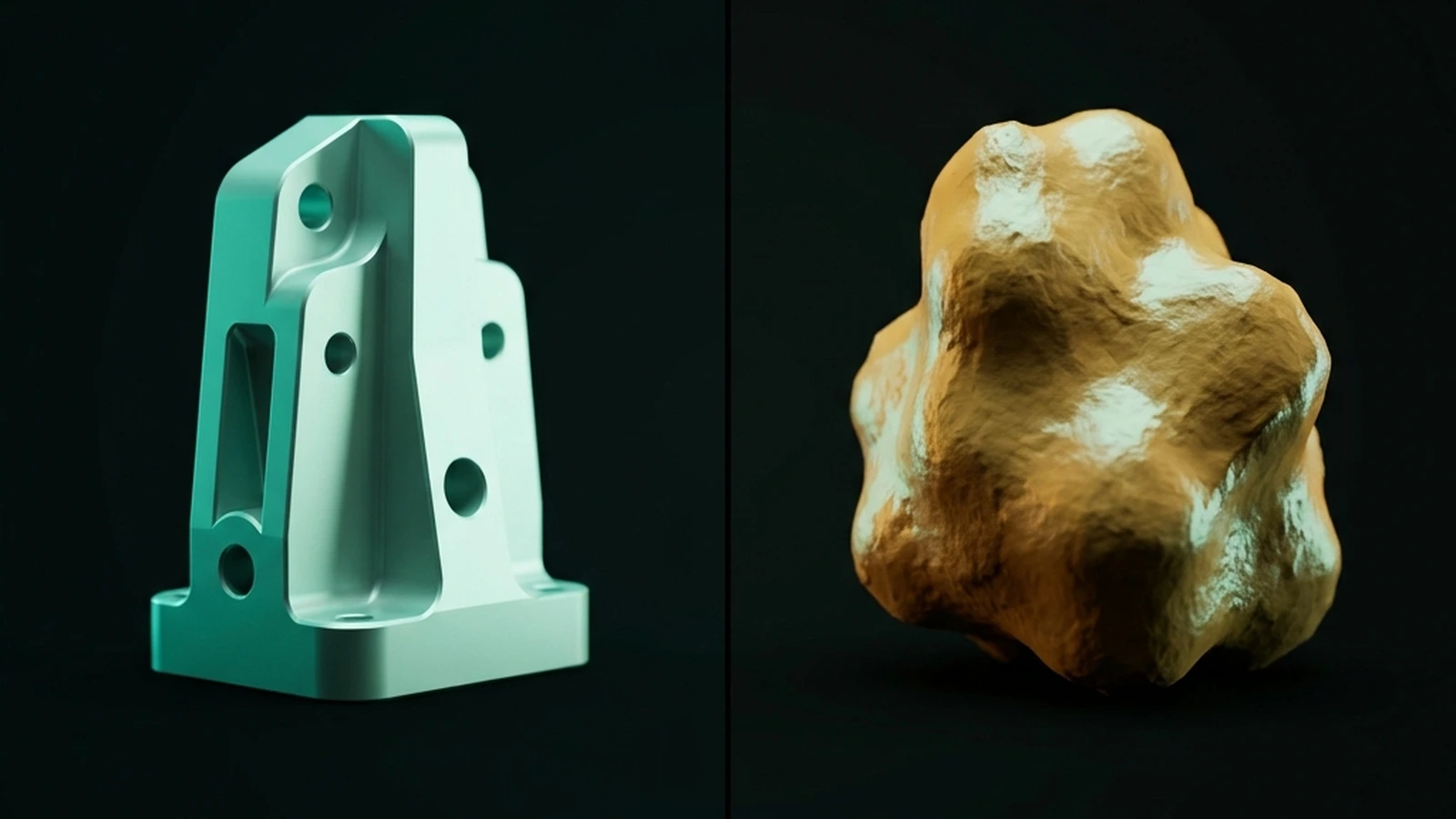
Two different problems wearing the same marketing language
A text-to-3D tool (Meshy, Tripo, Rodin, and similar generative-mesh platforms) is solving a visualization problem: given a description, produce a shape that looks right from any camera angle, with plausible surface detail, ready to render or drop into a game engine. A text-to-CAD tool is solving a manufacturing problem: given a description, produce a shape with exact, parametric dimensions that a machinist, mold maker, or assembly engineer can actually build from. These are different enough goals that a tool built for one is usually a poor fit for the other, no matter how good the demo looks.
They also optimise for genuinely different things. A mesh generator is rewarded for surface plausibility — does it look like a bracket from every angle. A CAD generator is rewarded for dimensional correctness — is the bore 25.00 mm. Those objectives conflict often enough that no single system does both well.
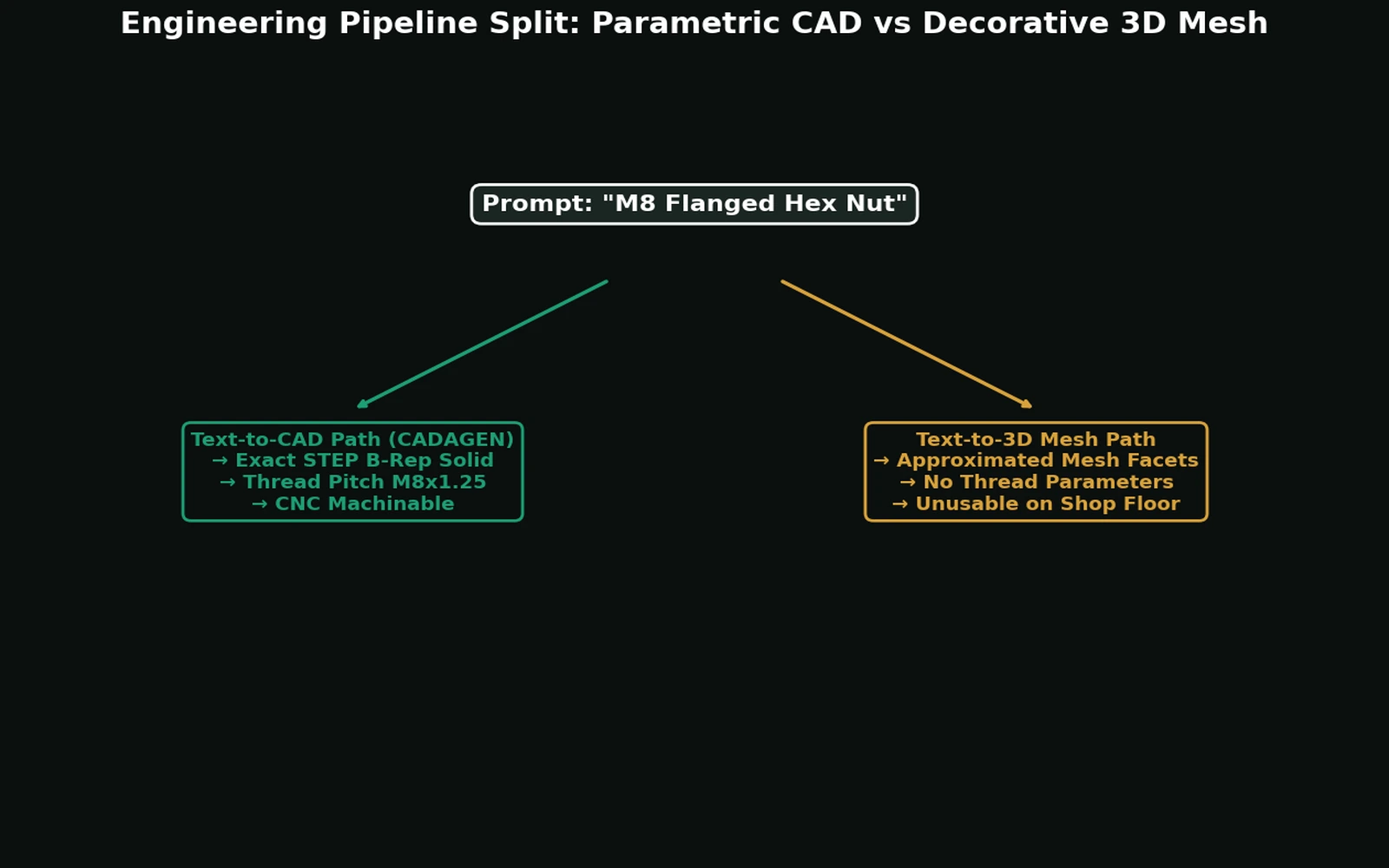
Side by side
| Text-to-CAD | Text-to-3D (mesh) | |
|---|---|---|
| Geometry representation | Exact B-Rep — analytic surfaces, trimmed edges | Triangles approximating a surface |
| Typical output | STEP, sometimes native CAD | STL, OBJ, GLB, 3MF |
| Can you read an exact diameter? | Yes | No — only a polygon's vertices |
| Change a dimension afterwards | Yes, if parameters are exposed | No — you would edit vertices |
| Apply a tolerance or fit | Yes | No |
| CAM toolpaths | Directly supported | Faceted; unreliable |
| Fillets and chamfers | Real kernel operations | Baked into the triangle soup |
| Assembly mating | Faces and axes exist to mate | Nothing to mate to |
| Best-case use | Machined, cast, moulded, fabricated parts | Renders, games, decorative prints |
| Failure mode | Wrong dimensions in a valid solid | Plausible shape with no measurable dimensions |
Why the mesh path fails mechanical work
A mesh has no concept of "this is a 10 mm hole" — only triangles that look roughly circular. Three consequences follow, and they are the ones that cost money:
You cannot change a dimension. There is no parameter to edit. Widening a slot means moving individual vertices, which is modelling by hand in the worst possible representation.
You cannot attach a tolerance. A fit like H7/g6 refers to a nominal diameter that does not exist in the file. Even the nominal is wrong: an inscribed polygon is always slightly undersized compared with the circle it approximates.
CAM cannot do its job properly. Toolpath generation on faceted surfaces produces visible facet marks and unpredictable surface finish, because the machine follows the approximation rather than the intended geometry.
How far off is a mesh circle, in real numbers?
It helps to see the error rather than take it on faith. A circle of radius r approximated by an
n-sided regular polygon has a maximum gap between the polygon edge and the true circle — the
"sagitta" — of roughly r × (1 - cos(180°/n)). For a 10 mm-radius hole meshed with 32 facets (a
fairly coarse but common export setting), that gap is about 0.048 mm; at 16 facets it grows to
about 0.19 mm — comparable to an entire ISO 286 IT7 tolerance band on a mid-size hole. Increase the
facet count and the error shrinks, but it never reaches zero, and the file never carries an
explicit "10.000 mm radius" value for a machinist or a CAM system to read back out. That is the
practical difference between "close enough to look round" and "dimensioned." A B-Rep circle, by
contrast, is stored as an exact analytic curve — center, radius, and plane — so the diameter you
read off it is exact by construction, not by facet density.
The geometry-level explanation lives in B-Rep vs. mesh: why editable geometry matters; the file-format decision is in STEP vs. STL; the broader format landscape is in CAD file formats explained.
Where mesh output is genuinely the right answer
This is not an argument that mesh tools are bad — they are excellent at what they are for.
- Visual concepts and mood boards where nothing will be manufactured.
- Decorative or organic 3D prints — enclosures with sculptural surfaces, figurines, props.
- Game and film assets, which is the category's home ground.
- Non-critical prototype shapes where the point is to hold the object, not to measure it.
- Filling a render with background objects nobody will inspect.
If your deliverable is a picture or a printed object with no fits, a mesh generator is faster and often produces a more interesting shape than a CAD tool would.
A practical checklist before you trust an "AI 3D" file
- Export format — STEP / native CAD, or STL/OBJ/GLB?
- In a real CAD package — can you select a face and read an exact dimension?
- Face count — a bracket with 40,000 faces is a mesh wearing a solid's file extension.
- Downstream job — machining / tooling, or render / print-only?
- Editability — can you change a driving dimension and have the rest follow? See parametric CAD.
If the answers point at mesh, treat the file as visualization (or print input), not as manufacturing CAD — no matter how polished the render looks.
Why this confusion is so persistent
"3D model," "AI CAD," and "AI 3D" get used interchangeably across two different products. A tool built for game-ready mesh assets and a tool built for manufacturable solids can both claim to turn "text into a 3D model." The phrase is true for both and useless for telling them apart — ask about geometry representation and export format, not the tagline.
Two further sources of confusion are worth naming. First, mesh tools often show a STEP export option that wraps the triangles in a solid — technically a STEP file, practically unusable. Second, some CAD-first tools deliver a mesh preview alongside the real solid; a mesh in the viewer does not mean the underlying model is a mesh. Check the downloaded file, not the preview.
The bottom line
"AI generates 3D models" is not a specific enough claim to act on for engineering work. The real question is whether the output is B-Rep (exact, editable, dimensionally real) or mesh (a triangle approximation, however fine). See our deeper comparison in B-Rep vs. mesh: why editable geometry matters for the format-level breakdown, and STEP vs. STL for the file-format version of the same distinction.
Frequently asked questions
- What is the difference between text-to-CAD and text-to-3D?
- Text-to-CAD produces editable boundary-representation solids intended for manufacturing, delivered as STEP. Text-to-3D produces triangle meshes intended for visualisation, games and general 3D printing, delivered as STL, OBJ or GLB. A mesh has no exact dimensions — a hole is a many-sided polygon, not a circle with a radius — so it cannot be dimensioned, toleranced or reliably machined.
- Can I use an AI-generated mesh for manufacturing?
- For 3D printing, often yes, because printers consume meshes anyway. For machining, casting or moulding, no — a CAM system needs exact surfaces to compute toolpaths, and a mesh gives it faceted approximations. Converting the mesh back into a solid is not a reliable operation; it is reverse engineering with an error budget.
- How do I tell whether a tool produces CAD or a mesh?
- Ask for the export format and open the file. If you can select a cylindrical face in CAD and read an exact diameter, it is a B-Rep solid. If you see thousands of triangles and no measurable circular face, it is a mesh. STEP, Parasolid and native CAD formats are solids; STL, OBJ, GLB and 3MF are meshes.
- Why do both categories say they turn text into 3D models?
- Because the phrase is true for both and useless for distinguishing them. A tool built for game-ready assets and a tool built for manufacturable parts can each claim to turn text into a 3D model. The distinguishing questions are about geometry representation and export format, not about the tagline.
References
- Boundary representation notes, Computational Geometry course — MIT OpenCourseWare
- ISO 10303-1:2024 Product data representation and exchange overview — ISO
- DeepCAD: A Deep Generative Network for CAD Models — arXiv / ICCV 2021