Why Most AI-Generated CAD Fails on the Shop Floor
Demo-quality geometry vs. manufacturable solids — the specific, repeatable failure modes and how to actually verify AI-generated CAD before it reaches a machine.
- Author:
- Cadagen
- Technical review:
- CADAGEN Engineering Team · Mechanical Engineer
- Last updated:
- August 16, 2026
- Sources:
- 3 primary references, listed below
Most AI CAD failures aren't a case of "the AI can't draw" — they're verification gaps: wrong units silently assumed, non-manifold solids that look fine on screen, impossible tolerances, or meshes masquerading as manufacturing-ready parts. A demo video rarely shows this gap, because a demo only needs the part to look right in a viewer for thirty seconds — a shop floor needs it to actually machine, fit, and assemble.
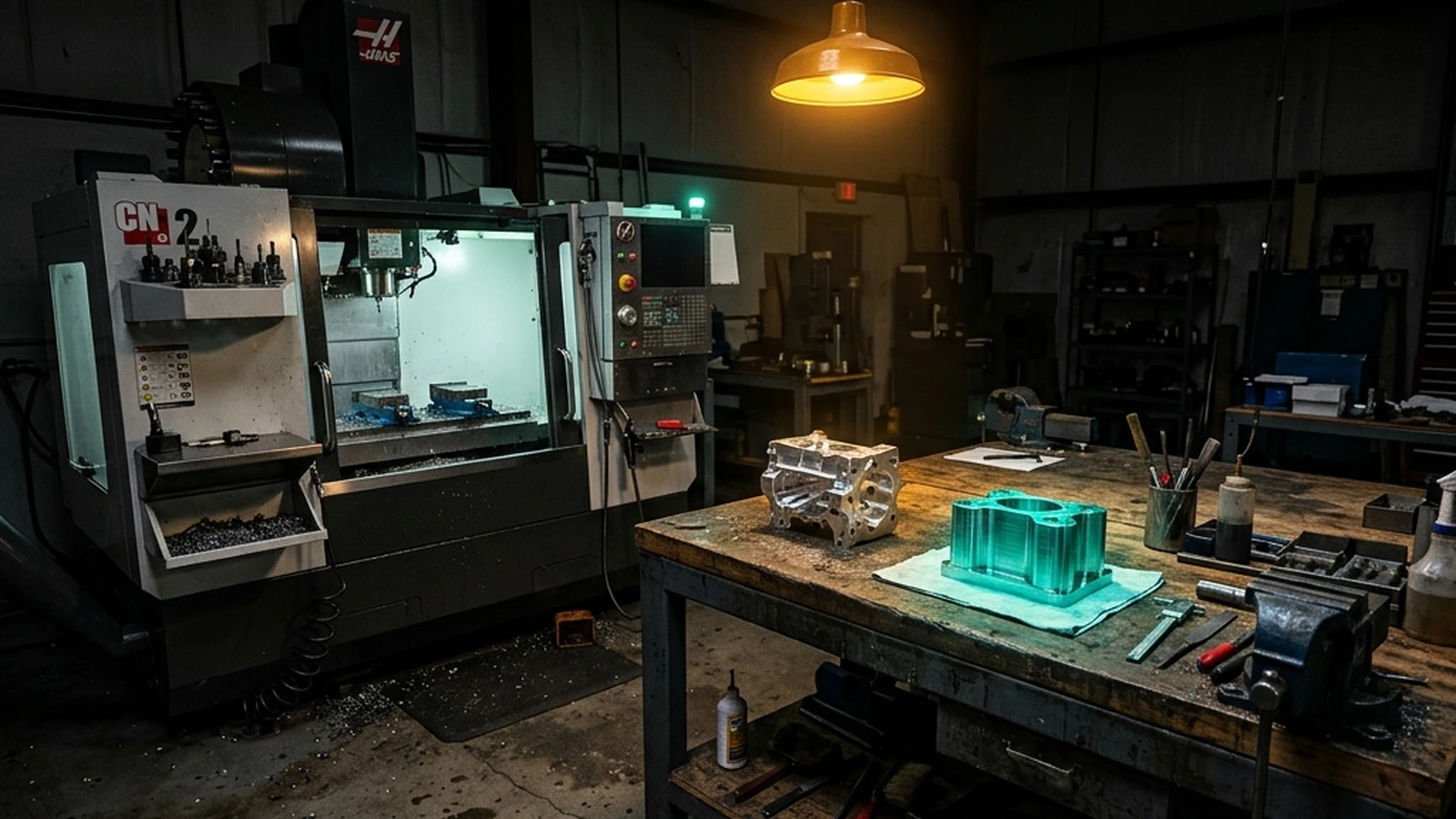
Why the gap between "looks right" and "is right" exists
A rendered 3D model and a manufacturable STEP file can be visually identical and functionally worlds apart. The rendering pipeline only cares about the surface you see; the manufacturing pipeline cares about the exact geometry, the tolerances, and whether the shape respects the physical limits of a real process. Nothing about "looking correct in a 3D viewer" guarantees any of that — which is exactly why demo-quality output and shop-floor-ready output are different bars, even when they come from the same generation step.
Typical failure modes, in the order shops actually run into them
- Mesh instead of solid. Looks fine in a viewer, breaks the moment it hits CAM software — toolpaths generated from a triangulated approximation leave visible facet marks on curved surfaces, and the file often can't be edited at all. See B-Rep vs. mesh: why editable geometry matters for the underlying reason this happens.
- Ambiguous dimensions. "About 20 mm" is not a machining spec — a shop needs an exact number and, ideally, a tolerance. Vague prompts produce vague outputs, and the ambiguity often isn't visible until someone tries to actually cut the part.
- Missing standards context. "M10" without a pitch, length, and property class leaves out information a real fastener needs — see ISO metric thread sizes explained for what a complete thread callout actually requires.
- No DFM guardrails. Thin walls that won't hold up in the target process, unreachable internal features for a milling tool, zero internal radius where a cutting tool physically can't produce a sharp corner. See DFM 101 for the specific rules that catch these before they become scrapped parts.
- Tolerance-free geometry treated as final. A part with only nominal dimensions and no stated tolerance is incomplete as a manufacturing spec — see tolerances in CAD: what AI tools usually get wrong.
What "close enough" actually costs on a real machine
A useful way to see why vague dimensions are a shop-floor problem, not a cosmetic one: standard CNC shops apply a default tolerance around ±0.05–0.13 mm on linear dimensions when a drawing doesn't specify one (commonly formalized as ISO 2768-m), and can hold roughly ±0.01–0.025 mm on critical features with tighter process control — reamed holes, ground shafts, wire EDM. If a generated model states "20 mm bore" with no tolerance and no note about function, the shop has no way to know whether that hole needs to hold a precision bearing to a few microns or just clear a bolt with a millimeter to spare. Left to a default, the shop will apply its standard tolerance regardless of what the part actually needs — sometimes too loose for a precision fit, sometimes far tighter (and more expensive) than a non-critical clearance hole ever required. Neither outcome is something the shop can fix after the fact; it has to be specified before the file reaches them.
| Feature | Typical default (unspecified) | Achievable with tight process control |
|---|---|---|
| Linear dimension | ±0.05–0.13 mm | ±0.01–0.005 mm |
| Reamed/bored hole | — | ±0.01 mm |
| Ground shaft | — | ±0.005 mm or better |
| Wire EDM feature | — | ±0.005 mm |
What shops actually check before they'll run a job
- Can I select a face and apply a dimension-driven change? If not, it's likely a mesh, not an editable solid — a hard blocker for any process that needs adjustment before cutting.
- Do hole sizes match purchased hardware? A bolt hole that's 0.3mm off from a real fastener's clearance requirement either binds or is too loose — neither is "close enough."
- Will this fixture without impossible undercuts? A shape that requires the cutting tool to reach around a corner it physically can't access needs a redesign, a different fixture strategy, or a different process entirely — and this needs to be caught before setup, not during it.
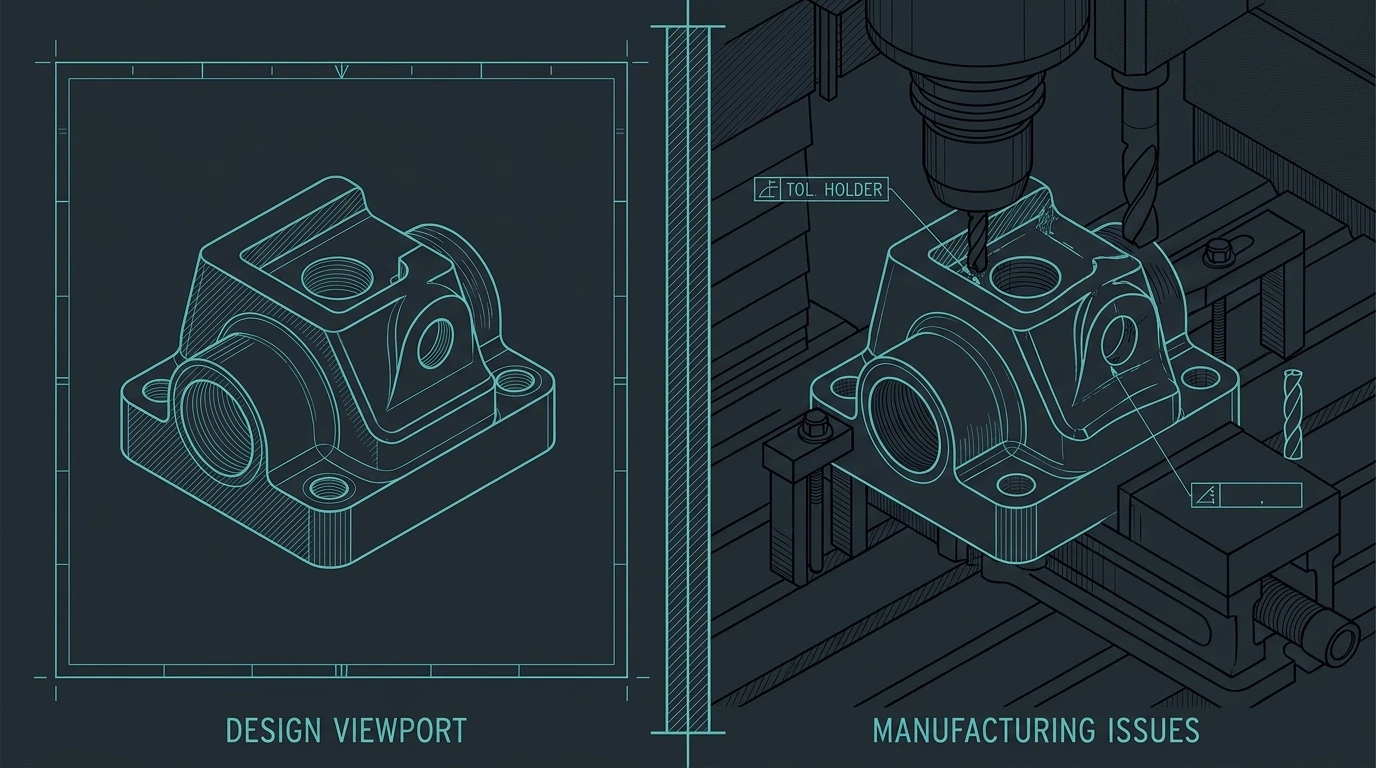
A concrete example of how this plays out
A generated pocket with a perfectly sharp 90° internal corner looks fine on screen and is physically impossible on a mill — the tool always leaves its own radius. That mismatch only appears when real parts are assembled. The process rules that catch this (and thin walls, missing draft, etc.) are in DFM 101; this article focuses on the shop-side verification gaps that let those mistakes through.
The honest workflow that actually works
Use AI-assisted generation for a fast first solid, then treat the output exactly like a junior drafter's work: measure it, compare it against the actual spec, and escalate the hard cases to a human engineer rather than assuming a good-looking file is a finished one. This isn't a knock on the technology — it's the same discipline any new team member's output gets before it's trusted unsupervised, and it's the discipline that actually determines whether shop-floor success happens.
In practice that means a short, repeatable pass before a file ever leaves for quoting: open it in a real CAD package (not just a browser viewer) and select a face to confirm you can read an exact dimension; check every hole and boss against the actual hardware it needs to fit, not the number in the prompt; look for internal corners on milled features and confirm they carry a radius a real tool can produce; and check wall thickness on the process's thinnest features against that process's known minimum. None of these checks require advanced software — a caliper mentality applied to the 3D model, before it becomes a physical part, catches most of what actually causes scrapped runs.
The bottom line
Shop-floor success has very little to do with how impressive a demo looks and everything to do with editable STEP geometry plus a real verification discipline — checking units, tolerances, standard part matches, and manufacturing constraints before a file is treated as ready to cut. Skip that discipline and even a genuinely good generation tool will eventually produce a part that fails on the floor, not because the geometry was wrong in isolation, but because nobody checked it against what the shop actually needed.
Related reading: What actually breaks when AI generates CAD · DFM 101: designing parts that can actually be made
Frequently asked questions
- Why does a generated part fail in the shop when it looked fine on screen?
- A rendered viewer only checks whether the surface looks right from one camera angle for a few seconds. A shop needs the geometry to hold a tolerance, machine cleanly with a real cutting tool, and mate correctly with other parts. Nothing about a good-looking screenshot verifies any of those three things, which is why demo-quality and shop-floor-ready are different bars even for the same generated file.
- What is the single most common shop-floor blocker for AI-generated CAD?
- A mesh delivered where a solid was needed. A triangulated file looks identical to a B-Rep solid in a 3D viewer, but CAM software generates visible facet marks from it and most editing operations are effectively impossible, because there is no dimension to change — only vertices to drag one at a time.
- What should a shop check before running a job from a generated file?
- Whether a face can be selected and a dimension-driven change applied (a solid, not a mesh); whether hole sizes match the actual purchased hardware rather than an approximate clearance; and whether the part can be fixtured and machined without impossible tool access, such as a sharp internal corner a mill physically cannot cut.