build123d vs CadQuery: Choosing a Python CAD Library
Both drive the same Open CASCADE kernel and both export STEP. The real differences are the API model, how you select geometry, and how each one behaves when a script grows past a few hundred lines.
- Author:
- Cadagen
- Technical review:
- CADAGEN Engineering Team · Mechanical Engineer
- Last updated:
- August 15, 2026
- Sources:
- 4 primary references, listed below
build123d and CadQuery are both Python libraries that build exact B-Rep solids on the Open CASCADE kernel and export STEP. The choice between them is about API ergonomics, not about geometric capability. If you have never used either, the short version is: build123d reads more naturally as scripts get long, CadQuery has a longer trail of examples and community material.
If you are still deciding whether to script CAD at all, start with code CAD explained.
What they have in common
- The same kernel. Both sit on Open CASCADE Technology through Python bindings, so booleans, fillets, lofts and STEP export behave the same way at the geometry level.
- Exact B-Rep output. A hole is a real cylindrical face with a real radius, not a ring of triangles — the distinction covered in B-Rep vs. mesh.
- Real export formats. STEP, STL, and (via the kernel) BREP. STEP is what a machine shop can actually open; see what is a STEP file.
- Headless execution. Both run in a plain Python process, which is what makes CI testing and batch generation possible.
- Open source, actively maintained, installable from PyPI, with heavy binary dependencies for the kernel bindings.
The API difference, side by side
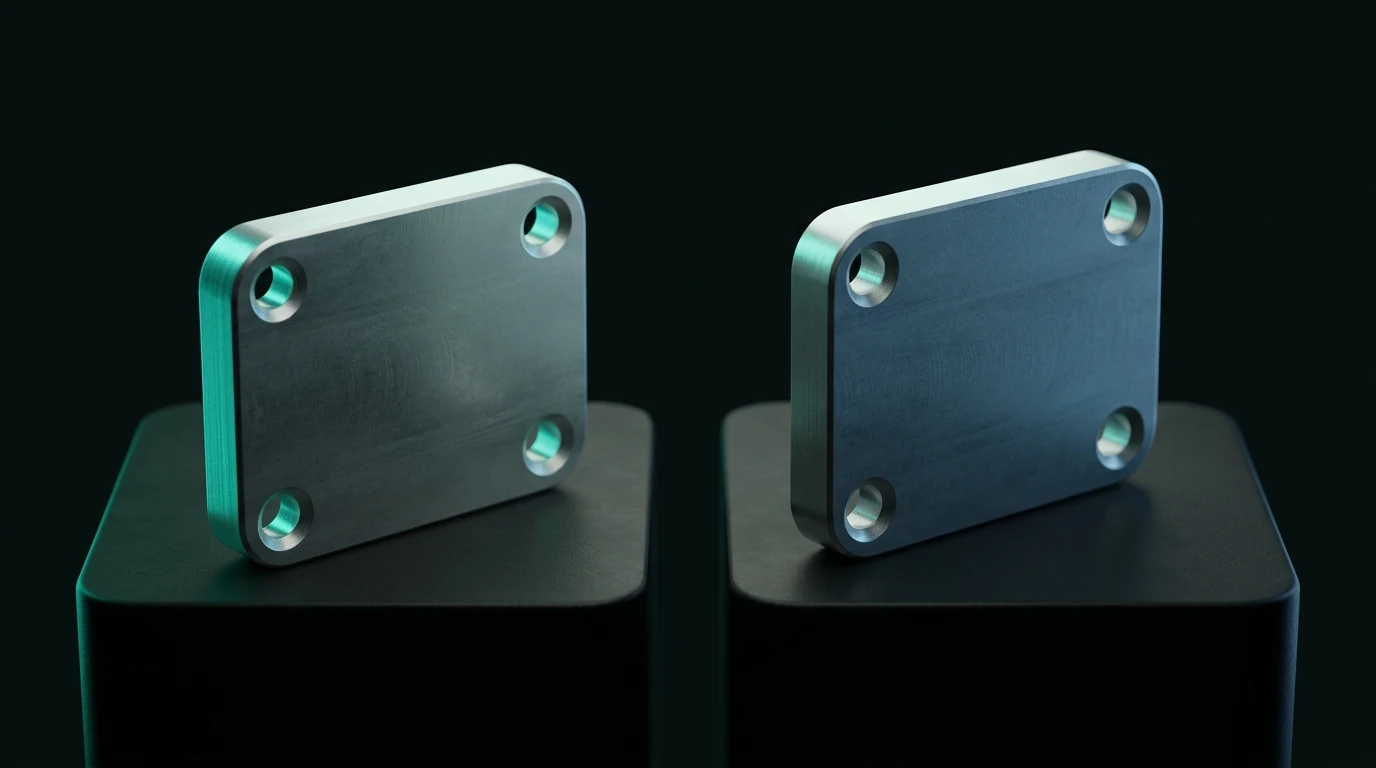
The clearest way to see it is one part written twice: an 80 × 40 × 10 mm plate with four 6 mm holes and rounded corners.
CadQuery — fluent chaining on a Workplane:
import cadquery as cq

plate = (
    cq.Workplane("XY")
    .box(80, 40, 10)
    .edges("|Z")
    .fillet(5)
    .faces(">Z")
    .workplane()
    .rect(60, 20, forConstruction=True)
    .vertices()
    .hole(6)
)

cq.exporters.export(plate, "plate.step")
build123d — builder mode with context managers:
from build123d import *

with BuildPart() as plate:
    Box(80, 40, 10)
    fillet(plate.edges().filter_by(Axis.Z), radius=5)
    with GridLocations(60, 20, 2, 2):
        Hole(radius=3)

export_step(plate.part, "plate.step")
build123d — algebra mode with operators:
from build123d import *

plate = Box(80, 40, 10)
plate = fillet(plate.edges().filter_by(Axis.Z), radius=5)
for loc in GridLocations(60, 20, 2, 2):
    plate -= loc * Cylinder(radius=3, height=20)

export_step(plate, "plate.step")
The three produce the same solid. What differs is where the state lives.
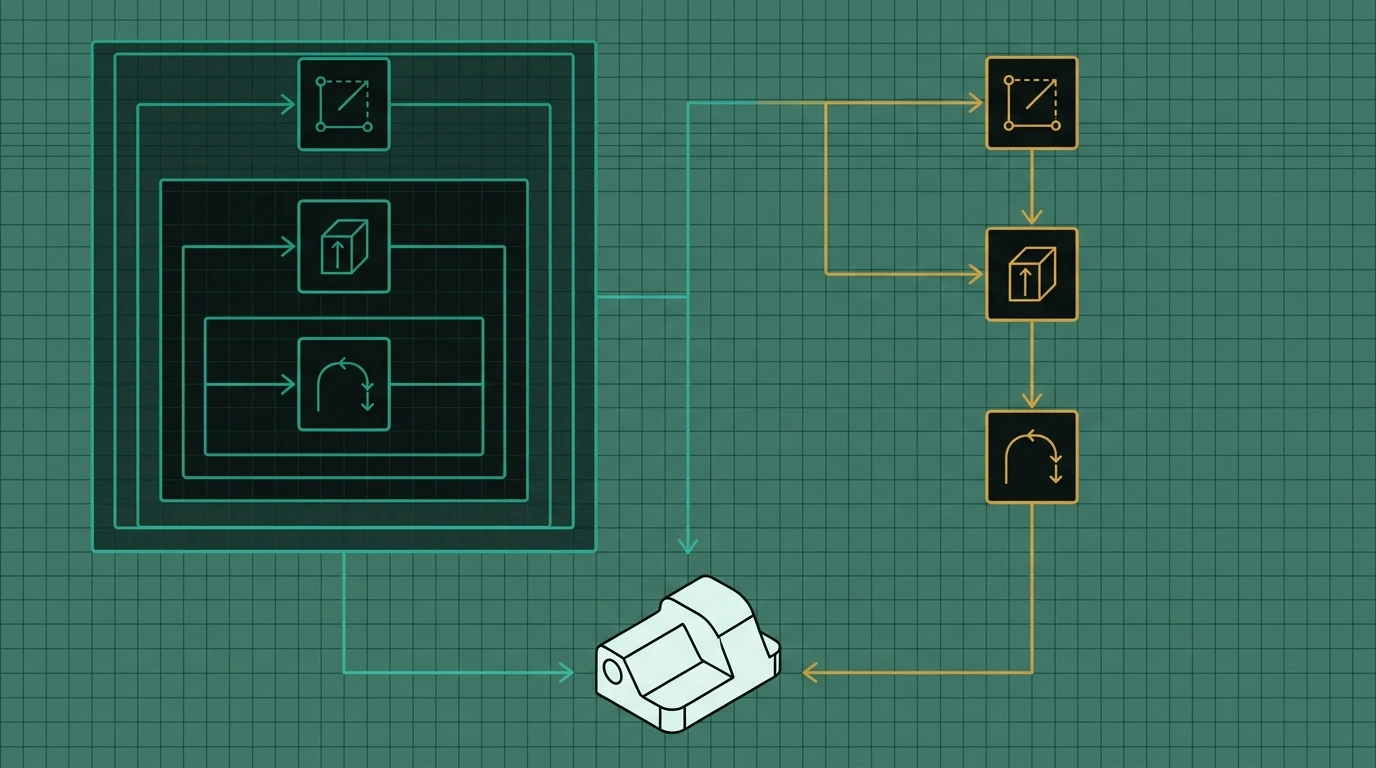
In CadQuery, a Workplane carries a stack of currently-selected entities, and each method
consumes and replaces it. .faces(">Z").workplane().rect(...).vertices().hole(6) is a pipeline
where every step depends on exactly what the previous step selected. That is compact and elegant
when it works, and hard to debug when a selector returns three faces instead of one.
In build123d, geometry and topology are ordinary objects. A Box is a solid, plate.edges() is a
list-like collection you can filter, and boolean operations are either implied by the builder
context or written as +, -, &. There is less hidden state, which is the main reason long
scripts stay readable.
Feature-by-feature comparison
| CadQuery | build123d | |
|---|---|---|
| Core model | Fluent Workplane with a selection stack |
Plain topology/geometry objects; builder or algebra style |
| Geometry selection | String selectors (">Z", "|Z", "%CIRCLE") |
Method filters (filter_by(Axis.Z), sort_by, group_by) |
| Boolean operations | Implicit in the operation (.cut(), .union()) |
Builder Mode.SUBTRACT / algebra -, +, & |
| 2D sketching | Sketch API plus workplane primitives |
BuildSketch context with the same operation vocabulary as 3D |
| Placement | .transformed(), .translate(), workplane offsets |
Location, Plane, and Locations / GridLocations / PolarLocations contexts |
| Reading long scripts | Degrades — deep chains hide intent | Holds up — each statement is a named step |
| Learning curve | Fast for simple parts, steep for selectors | More up-front vocabulary, flatter afterwards |
| Ecosystem and examples | Larger historical corpus, more forum answers | Growing; documentation is thorough and example-heavy |
| Viewers | CQ-editor, ocp-vscode, Jupyter integrations |
ocp-vscode, Jupyter integrations |
Selectors are where most people form an opinion
CadQuery's string selectors are its signature feature: ">Z" means "the face furthest in +Z",
"|Z" means "edges parallel to Z", and indexed forms select by sorted position. They are
extremely terse. They are also the most common source of scripts that break when a dimension
changes, because a selector that matched one face at 40 mm width may match two at 60 mm.
build123d's equivalent is more verbose and more explicit:
top_face = plate.faces().sort_by(Axis.Z)[-1]
vertical_edges = plate.edges().filter_by(Axis.Z)
circular_edges = plate.edges().filter_by(GeomType.CIRCLE)
Neither approach removes the underlying difficulty — selecting stable geometry in a parametric model is genuinely hard. build123d just makes the selection visible enough that you can print it and count what you got.
Which one to choose
Choose CadQuery if:
- You are following an existing tutorial, template or company script written in it.
- Your parts are compact enough that a single chain reads clearly.
- You want the largest pool of existing examples and community answers to search.
Choose build123d if:
- Scripts will grow past a few hundred lines or be maintained by more than one person.
- You want to test intermediate geometry —
assert len(part.faces()) == 14is trivial when faces are plain objects. - You are generating scripts programmatically (including with an LLM), where explicit operations fail more predictably than a stateful chain.
- You want the algebra style, which many engineers find closer to how they think about CSG.
Choose neither if your deliverable is a printable mesh rather than a STEP file and your parts are simple — OpenSCAD may be a shorter path. And if you need assemblies with real mates, interference checks and dimensioned drawings, a GUI CAD seat is still the right tool.
Practical notes that save time
- Installation is the heaviest part. Both depend on large pre-built kernel bindings. Use a clean virtual environment and expect a few hundred megabytes.
- Pin your versions. Both libraries have changed APIs between releases. A script that runs today should record the library version it was written against, or it will silently behave differently later.
- Use a live viewer. Editing geometry blind is miserable; a viewer that re-renders on save turns code CAD into a normal iterative workflow.
- Watch in-place versus copying placement. In build123d, some placement methods modify the object they are called on and return that same object rather than a copy. Reusing one shape in two positions through the in-place variant produces two references to a single object and confusing downstream errors — use the copying form when you want two independent instances.
- Export the shape, not the builder.
export_step(plate, ...)on aBuildPartcontext object fails;export_step(plate.part, ...)is correct. The same applies to sketches (.sketch). - Both exporters take units explicitly. build123d's
export_step()has aunitargument (defaulting to millimetres), and CadQuery'sWorkplane.export()acceptsunitandoutputUnit. Setting them beats relying on the millimetre convention, especially for anything crossing an organisational boundary. - Validate the result. Both libraries can return a technically valid but empty or
disconnected solid. Check
volume > 0and the body count before shipping a file.
The bottom line
There is no geometric reason to prefer one over the other — same kernel, same exactness, same STEP. Pick CadQuery for its example corpus and compact chains on small parts; pick build123d for readability, explicit selection and long-lived or machine-generated scripts. If you are starting from zero today and expect the code to live for a while, build123d's explicitness usually costs less over time. The setup walkthrough for either is in Python for CAD.
Frequently asked questions
- What is the difference between build123d and CadQuery?
- Both are Python libraries that drive the Open CASCADE B-Rep kernel and export STEP. CadQuery uses a fluent chained API centred on a Workplane object, where operations act on a stack of selected geometry. build123d exposes topology and geometry as ordinary Python objects and offers two styles: a builder mode using context managers, and an algebra mode using arithmetic operators for boolean operations. build123d is generally easier to read at scale; CadQuery has a longer history and more third-party material.
- Can build123d and CadQuery be used together?
- They target the same underlying kernel bindings, so shapes can in practice be moved between them, but mixing the two inside one script is not a supported workflow and version compatibility is a real risk. A safer integration path is to exchange geometry as STEP or BREP files between separate scripts.
- Which is better for AI-generated CAD scripts?
- build123d's algebra mode tends to be more robust for generated code because operations are explicit expressions rather than a chained selection stack whose state depends on what came before. Generated CadQuery code frequently fails because a selector matched a different number of faces than the generator assumed. Either library is workable, but only if the generated script is validated by actually running it and inspecting the resulting solid.
- Do build123d and CadQuery produce identical geometry?
- For the same operations at the same tolerances, yes — both delegate to Open CASCADE, so a 10 mm hole is the same cylindrical face in either library. Differences appear in defaults such as fillet behaviour, tessellation settings on export, and default planes and orientations, not in the underlying geometric result.
References
- build123d - Introductory examples (Hole, fillet, GridLocations selectors) — build123d docs
- build123d - Import/Export reference (export_step, unit argument) — build123d docs
- CadQuery - QuickStart (Workplane, forConstruction, hole) — CadQuery docs
- CadQuery - Class reference (export, exportStl tolerances) — CadQuery docs